> ## Documentation Index
> Fetch the complete documentation index at: https://developer.zamp.com/llms.txt
> Use this file to discover all available pages before exploring further.
# Installation guide
# Overview
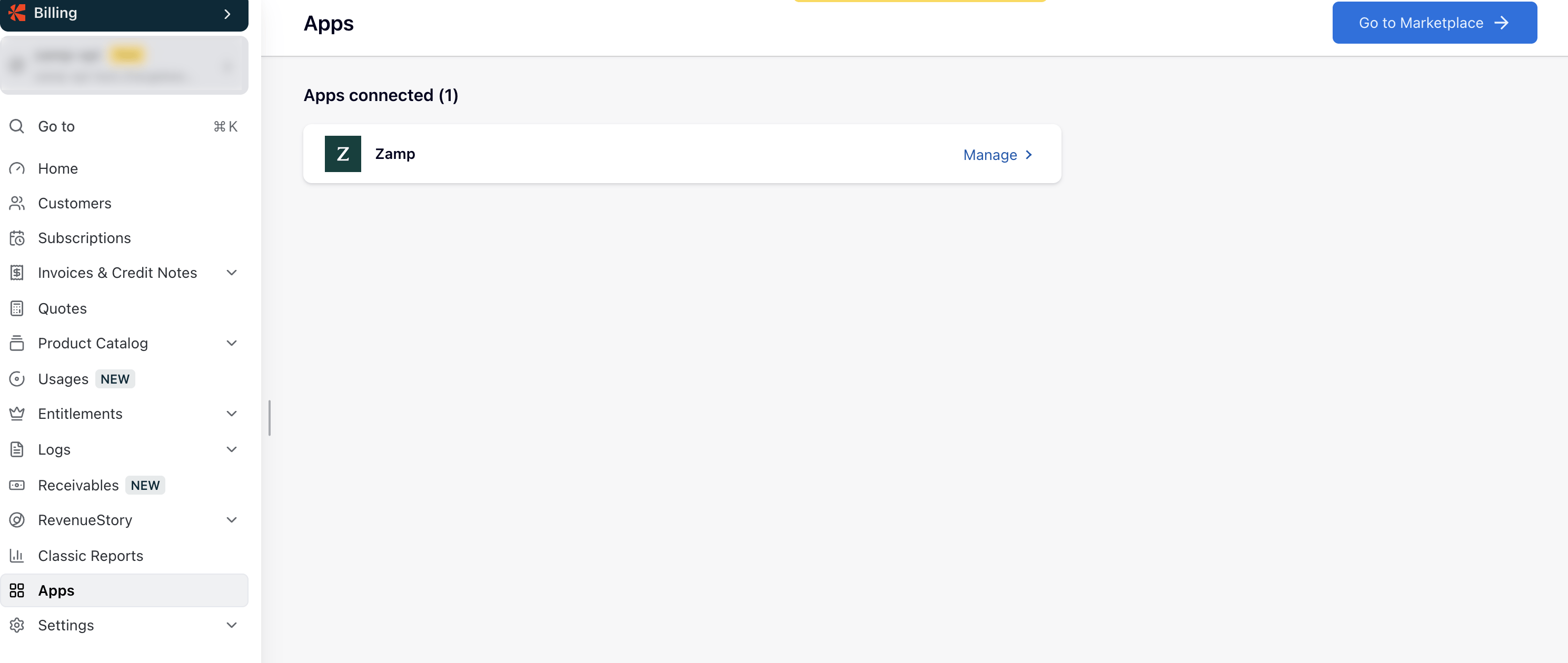
Installing Zamp on your Chargebee account is easy, with a few settings to configure to enable all Zamp tax functionality.
# Prerequisites
To install the Zamp integration, you will need access to:
| **Item** | **Where to Obtain** |
| :--------------------------------------- | :------------------------------------------------------------------------------------------ |
| Access to Install Chargebee Applications | Your company's administrator |
| A Zamp Sandbox or Production API Key | Either the **Integrations** page on app.zamp.com, or directly from your Zamp Representative |